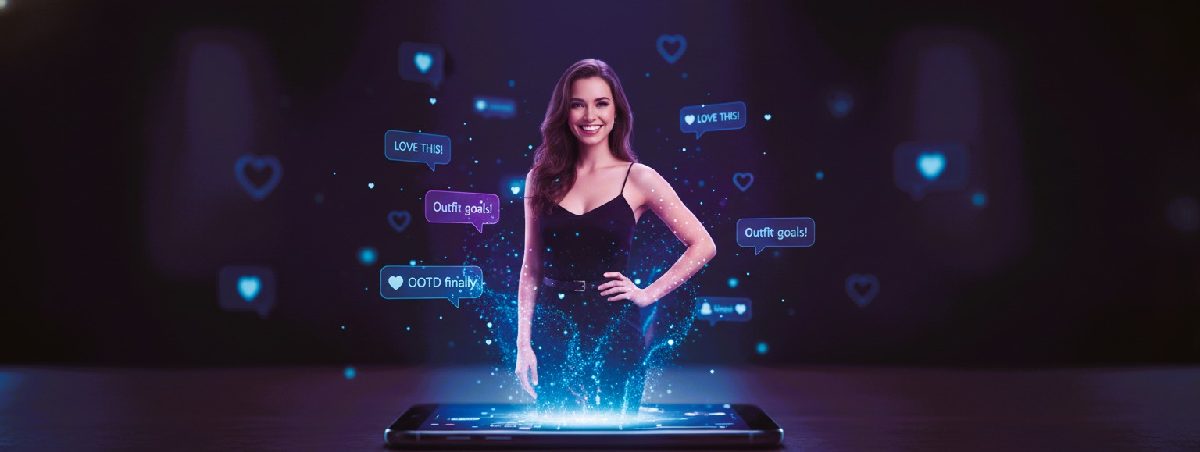
The Pain: Video is king in 2025. But let's be real—shooting high-quality product B-roll requires expensive lighting, macro lenses, and days of editing. For most sellers, it's a resource black hole.
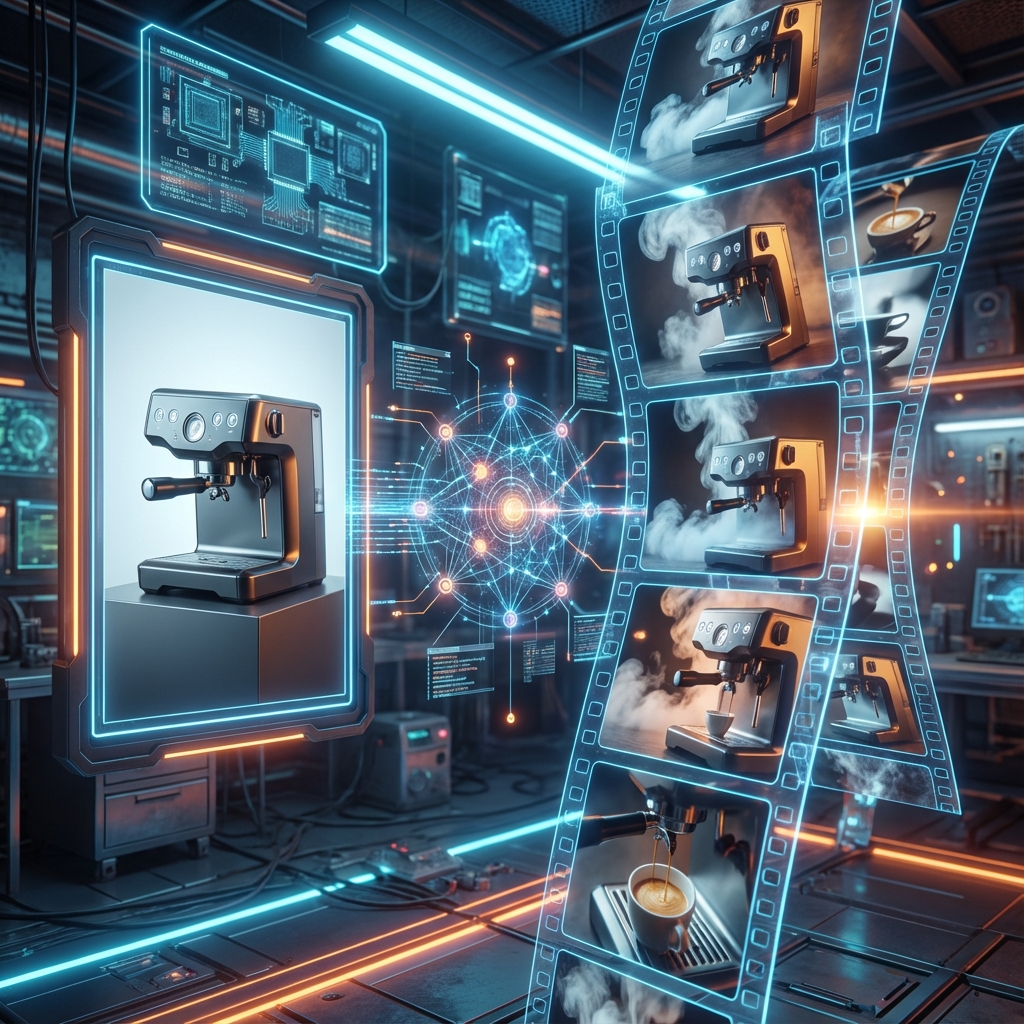
What if I told you there's a "Static-to-Viral" workflow that Top Dropshippers are using right now? It turns one product photo into an infinite stream of 4K video content.
Here is the exact stack I use to generate 50 unique clips in under 30 minutes.
The Secret Sauce: Parallax & Physics
Old AI video looked like a warping nightmare. But Runway Gen-2's "Motion Brush" changed everything.
It allows us to paint over specific areas (like steam rising from coffee, or water ripples) to apply physics, while keeping the rest static. Or, we can simulate complex camera movements.
The Formula:
Midjourney (The Base) + Runway Motion Brush (The Motion) + CapCut (The Rhythm) = Viral Gold
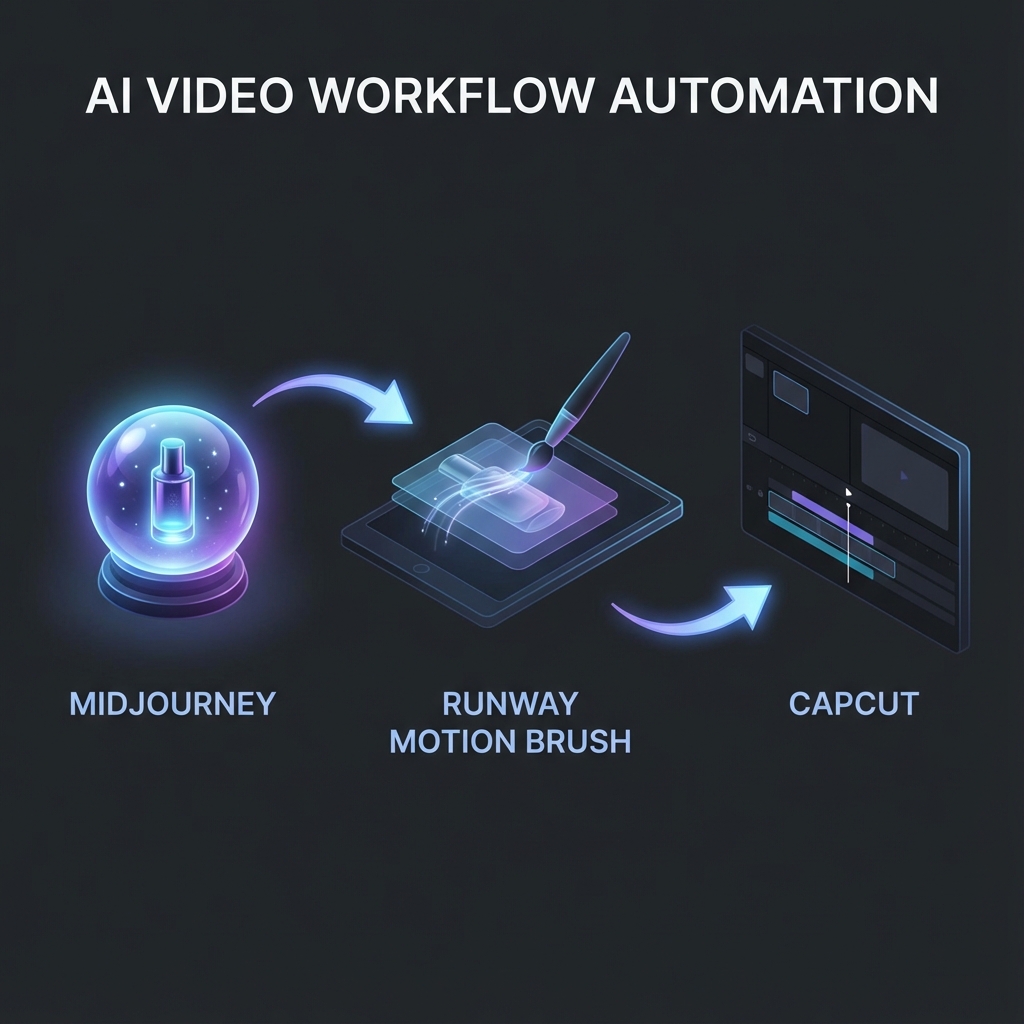
The Step-by-Step SOP
Step 1: The "Cinematic" Base (Midjourney)
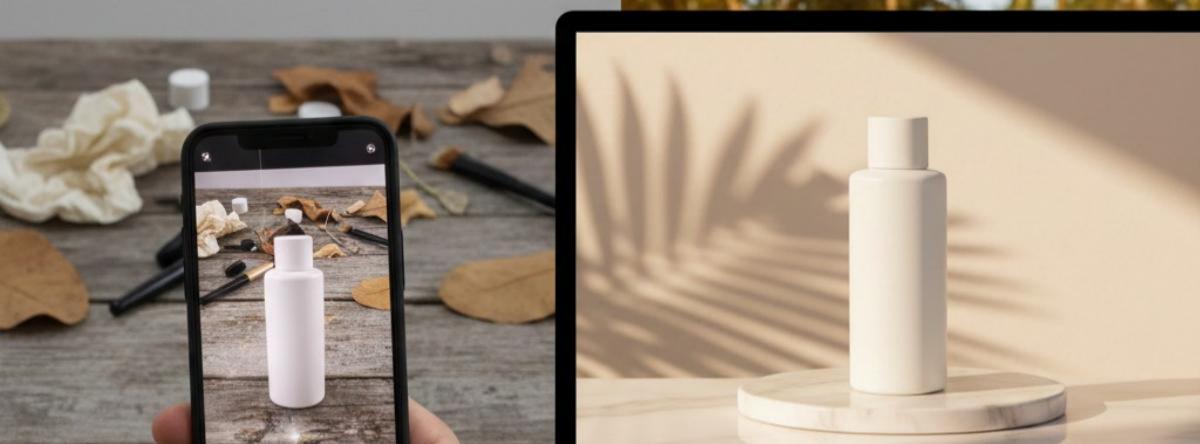
Stop using boring white-background photos. AI video needs context and atmosphere.
Pro Prompting:
- Aspect Ratio: Must use
--ar 16:9(Standard video format). - Lighting: Add keywords like
cinematic lighting,bokeh,depth of field,volumetric fog. - Example:
Product shot of a futuristic ergonomic gaming mouse, neon cyberpunk city background, bokeh lights, wet street reflection, 8k resolution, cinematic lighting --ar 16:9 --v 6.0
Generate 4 variations. Pick the one with the best lighting depth.
Step 2: The "Hand of God" (Runway Motion Brush)
This is where the magic happens.
- Go to RunwayML -> Gen-2 -> Start with Image.
- Upload your Midjourney masterpiece.
- Hit the Motion Brush icon.
My Go-To Strategies:
- Strategy A: The Camera Move
- Don't brush anything. Go to Camera Motion.
- Create separate clips for: Zoom In (Focus on detail), Pan Left (Reveal environment), and Tilt Up (Hero shot).
- Boom. You just made 3 different shots from 1 image.
- Strategy B: The Atmospheric Touch
- Brush over the background clouds or neon lights. Set Horizontal speed to 3.0.
- Brush over the product reflection. Set Ambient Noise to 2.0.
- Result: The product stands still, but the world moves around it. Pure luxury.
Step 3: The Scale (CapCut)
You now have 10-20 short, high-def clips.
- Import them all into CapCut.
- Audio Sync: Find a "Trending Sound" on TikTok. Use CapCut's "Auto Beat" to sync cuts.
- The 3-Second Rule: Put your most dynamic movement (fastest Zoom) in the first 3 seconds to hook the viewer.
- Text Overlay: Use a "Problem/Agitate/Solution" hook.
- Clip 1: "Wrist pain from gaming?"
- Clip 2: "Meet the mouse that fixes it."
Pro Tips from the Lab
[!TIP] The "Infinite Background" Hack Product photo too boring? Use Pika Labs or Photoshop Generative Fill to expand the canvas and add a crazy background before putting it into Runway.
[!WARNING] Don't Overcook It Keep Motion Brush values under 5.0. Anything higher and the AI starts to hallucinate (melting products). The sweet spot is 1.5 - 3.0 for hyper-realism.
The ROI
This workflow isn't just cool; it's an unfair advantage.
- Traditional Shoot: $1,500 + 1 week.
- The AI Stack: $0 (Free Tier) / $15 (Standard) + 30 mins.
Stop scrolling. Start generating. Go make your product move.